Made in Quebec
English | Français
rmnd app showing a saved recipe with ingredients and cooking steps

Save the recipe. Skip the scroll.

Save recipes from TikTok, Instagram, YouTube and Pinterest. We extract ingredients, steps, and nutrition so you can cook, not scroll.

Download on the App Store
The Problem

Your saved recipes
are a graveyard

Discover and save content
with ease

You see an amazing recipe on TikTok. You hit save. Then it joins 500 other videos you'll never find again. When you finally want to cook it, you're scrubbing through a 60-second clip trying to catch "a pinch of this" and "a splash of that."

Screenshots? Buried in your camera roll.

Notes app? A chaotic mess.

Bookmarks? Forgotten

Magnifying glass icon for recipe search

Instantly searchable

Find any recipe by name, ingredient, or cuisine.

AI robot icon for automatic recipe extraction

Everything extracted

Ingredients, steps, macros. No more pausing videos.

From TikTok to table

1
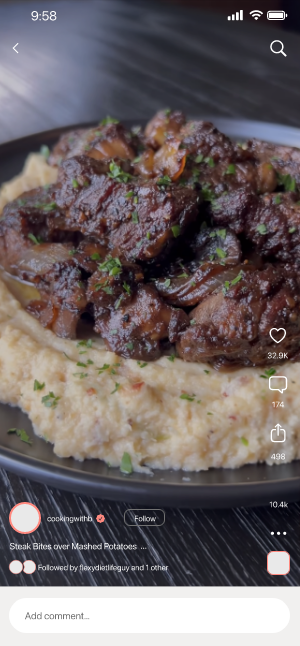
TikTok recipe video

Find a recipe

See something delicious on TikTok, Instagram, or YouTube

2
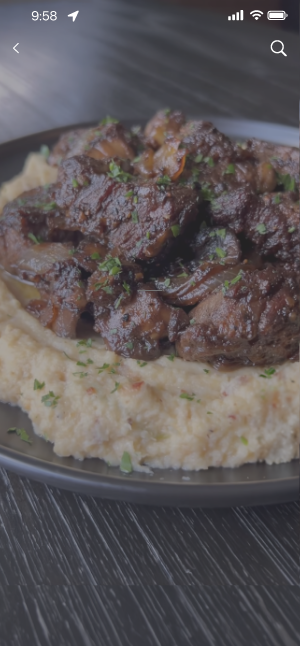
Video background

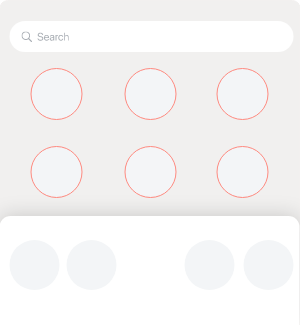
Tap share

Hit the share button like you normally would

3
Video background rmnd app

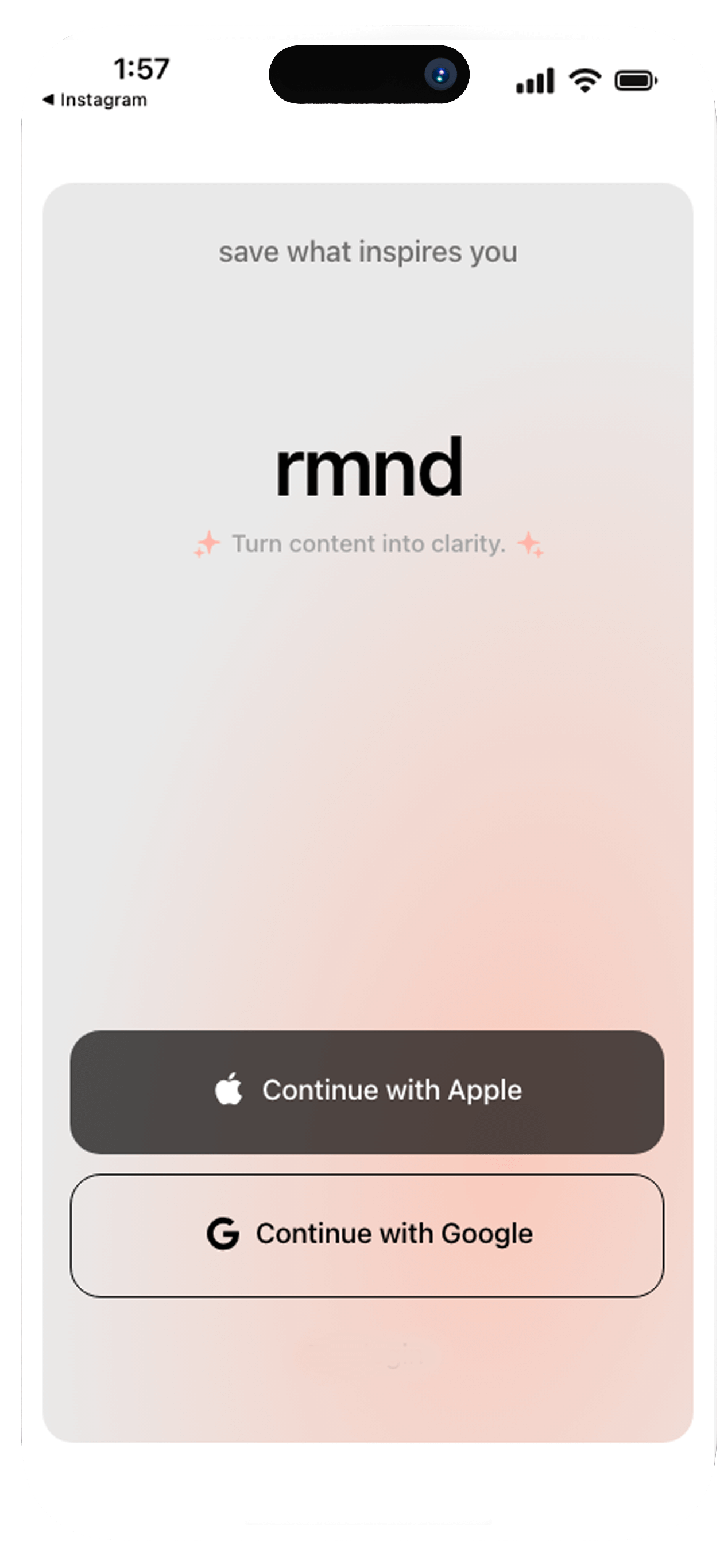
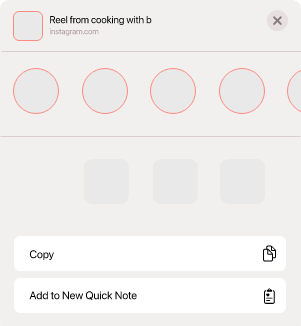
Select rmnd

Choose rmnd from your share options

4
Extracted recipe

Recipe ready

Ingredients, steps, nutrition—all extracted and organized

How?

How rmnd works

01
SaveSaveSaveSaveSaveSaveSaveSaveSaveSave
Download icon - save recipes from any platform

Save from anywhere

Share a link from Instagram, TikTok, YouTube, Pinterest or search directly in the app. One tap.

02
ExtractExtractExtractExtractExtractExtractExtractExtract
Brain icon - AI extracts recipe details automatically

We do the work

We extract the recipe: ingredients with instructions, cook times, & estimated nutrition.

03
CookCookCookCookCookCookCookCookCookCook
Fork and knife icon - cook with ease using clean recipe cards

Cook with ease

No more pausing videos. No more screenshots. Just a clean recipe card ready when you are.

Features

What can rmnd do?

Save icon - save recipes from any app

Save from any app

Instagram reels, TikTok videos, YouTube shorts, Pinterest pins, food blogs—if it has a recipe, we can grab it.

AI brain icon - intelligent recipe extraction

AI-powered extraction

Ingredients, steps, prep time, cook time, servings, macros—automatically pulled and organized.

Checklist icon - smart grocery lists

Smart grocery lists

Long-press any ingredient to add it to your grocery list. Items grouped by recipe. Check off as you shop.

Hourglass icon - hands-free cooking mode

Cooking mode

Hands-free, step-by-step view. Keep your screen on while you cook.

Folder icon - recipe collections and organization

Collections

Organize by cuisine, occasion, or however you think. "Quick weeknight dinners" or "Impress the in-laws."

Magnifying glass icon - built-in recipe search

Built-in recipe search

Don't have a link? Search Google, Bing, or recipe sites directly in the app and save what you find.

From Saved to Served

Every saved TikTok you'll never find again.
Every screenshot buried in your camera roll.
Every "I'll remember this" that you didn't.

rmnd fixes that.

Download on the App Store

Simple pricing

Free

7 day trial
 
  • Full access to all features
  • Cancel anytime
Download on the App Store

Pro

$8.99/month
 
  • Unlimited recipe saves
  • All platforms: TikTok, Instagram, YouTube, Pinterest, blogs
  • Smart grocery lists
  • AI extraction: ingredients, steps, nutrition
  • Cooking mode
  • Collections & search
Download on the App Store
FAQ

Frequently Asked Questions

Which apps can I save recipes from?

rmnd works with TikTok, Instagram Reels, YouTube Shorts, Pinterest, and virtually any food blog or recipe website. If it has a recipe, we can extract it.

How accurate is the AI extraction?

Our AI is highly accurate at extracting ingredients, measurements, steps, and nutrition info. You can always edit any recipe after saving to make adjustments.

Do my recipes work offline?

Yes! Once a recipe is saved, it's stored on your device. Access your entire collection anytime—even without internet connection.

What happens to my recipes if I cancel?

Your recipes stay on your device. If you resubscribe later, everything syncs back automatically. We never delete your collection.

Can I try rmnd for free?

Absolutely! Start with a 7-day free trial with full access to all features. Cancel anytime before the trial ends—no charge.

Can I edit recipes after importing?

Yes! Adjust ingredients, modify steps, change serving sizes, add personal notes, or upload your own photos. Make every recipe yours.

How does the grocery list work?

Long-press any ingredient to add it to your list. Items are grouped by recipe so you know what's for what. Check off items as you shop.

Is my data safe?

Your recipes are securely backed up to the cloud. If you switch devices or reinstall the app, sign in and everything restores automatically.